

How to set up an AI voice agent: a step-by-step guide
By the end of this guide you'll have a working AI voice agent that can take a real call — configured, connected to a phone number, and tested. It takes an afternoon, not a quarter. Here are the exact steps, in order.
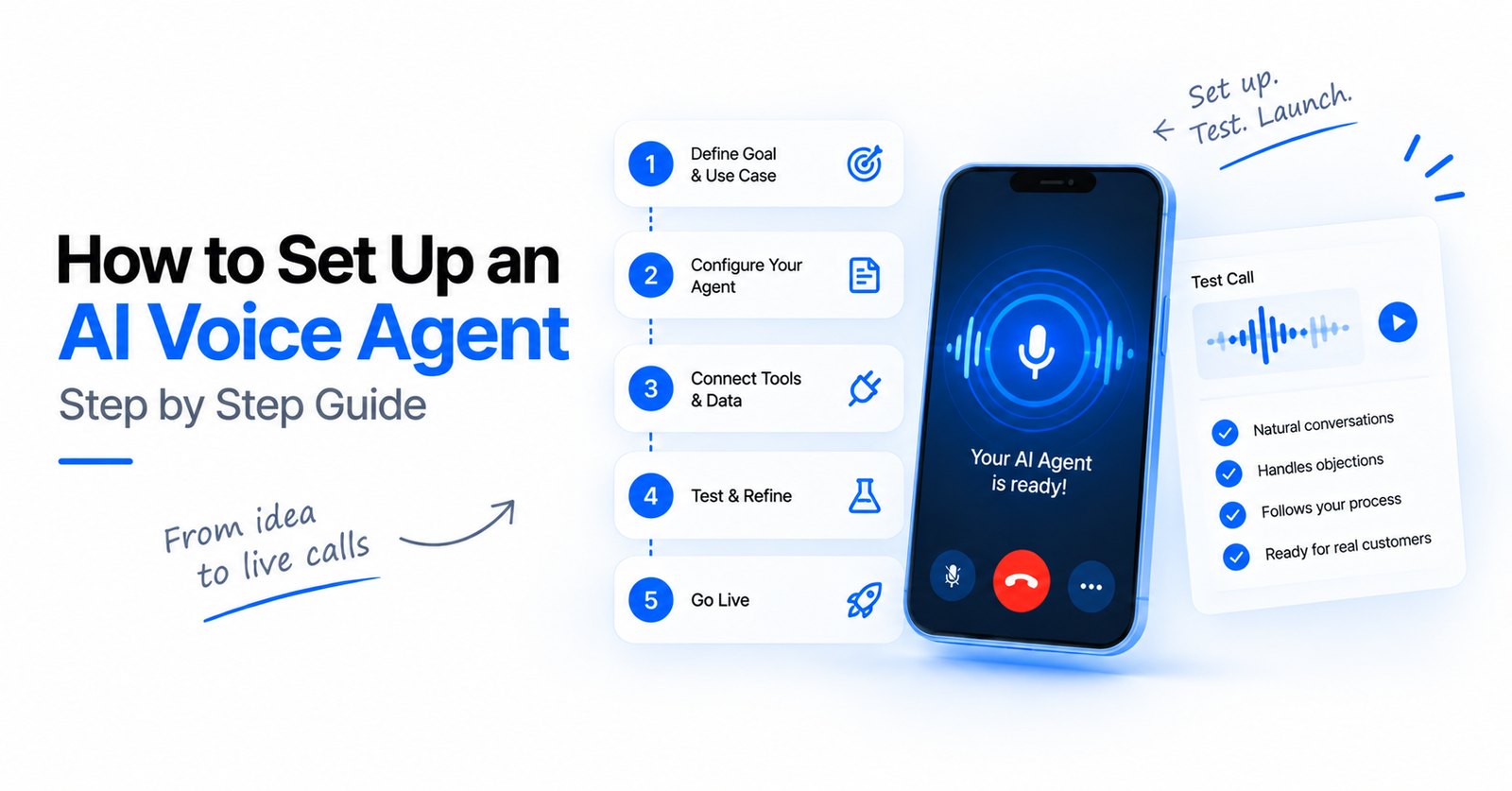
By the end of this guide you'll have a working AI voice agent that can handle a real phone call — scoped, configured, connected to a number, and tested against real scenarios. Done right, it takes an afternoon. The mistake most teams make is starting with the prompt; start with the job instead.
This is the hands-on companion to our complete guide to AI voice agents — that explains the concepts, this gets you live.
Before you start
Have these ready:
- One specific job for the agent (not "handle all calls"). Pick the single highest-volume, most repetitive call you have.
- A phone number you can point at the agent (or plan to use a provided one / bring your own carrier).
- Access to any system the agent must read or write (CRM, calendar, order lookup) if you want it to take actions.
- A short list of real transcripts or notes from how your team handles this call today.
Step 1 — Define the one job and its success condition
Write one sentence: "This agent calls/answers to _, and the call is a success when _." Example: "This agent calls new web leads to qualify budget and book a demo; success = a booked slot or a clean disqualification." A crisp success condition is what makes the agent testable later. Resist scope creep — you can add jobs after the first one works.
Step 2 — Choose your models (STT, LLM, TTS)
An agent is three models: speech-to-text (ears), a language model (brain), and text-to-speech (voice) — or a single speech-to-speech model. Start pragmatic:
- Simple, scripted flow? A small, fast LLM and a standard voice keep cost near the low end of what your vendor charges — check their current pricing page for the number. A small, fast LLM and a standard voice keep cost near the low end (~$0.06/min).
- Nuanced conversation or brand-facing? Step up the voice and reasoning model.
Don't over-optimize now — you can swap any component later. See how to choose STT, LLM and TTS for the trade-offs, and how much AI voice agents cost for the per-minute math.
Step 3 — Write the prompt from your real call
Use the transcripts from "before you start." Structure the prompt as:
- Role & goal — who the agent is and the success condition from Step 1.
- The flow — the 4–6 things it must accomplish, in order.
- Guardrails — what it must never do, when to hand off to a human, tone.
- Facts it needs — current, call-time facts (pricing, availability) injected from your systems, not baked into the prompt (models have a knowledge cutoff).
Keep it tight. Long prompts add latency and cost every turn.
Step 4 — Add the actions it should take
A voice agent earns its keep by doing, not just talking. Wire the tools it needs for this job — look up an order, book a slot, send a payment link, write back to the CRM. Give it only the tools this one job requires. This is where orchestration matters; see how our agents take real actions mid-call.
Step 5 — Connect a phone number
Point a number at the agent (inbound), or attach one for outbound. If you already have a carrier, bring your own telephony so numbers, rates, and compliance stay under your control. Confirm the agent answers and audio flows both ways.
Step 6 — Test against real scenarios (don't skip this)
Call it yourself, then have colleagues call from real phones — not a clean studio mic. Test the messy cases:
- Someone interrupts mid-sentence (barge-in).
- Background noise / a bad line.
- The call goes to voicemail (does it detect the beep and leave a clean message?).
- An off-script question.
- A request that should escalate to a human.
Demos pass on clean audio; production is decided on the messy calls. If any of these break, fix them before you scale.
Step 7 — Launch small, then scale
Start with a fraction of your volume for a few days. Watch the transcripts and outcomes against your Step 1 success condition. Tune the prompt and handoff rules from what you see, then open the taps. For outbound at volume, respect calling hours, DNC, and pacing.
Setup checklist
- [ ] One job + a measurable success condition
- [ ] STT / LLM / TTS chosen (start simple)
- [ ] Prompt written from a real transcript, with guardrails + handoff rules
- [ ] Call-time facts injected from your systems (not baked in)
- [ ] Only the tools this job needs, wired and tested
- [ ] Phone number connected, two-way audio confirmed
- [ ] Tested on real phones: interruptions, noise, voicemail, off-script, escalation
- [ ] Launched on a slice of volume, reviewed on transcripts, then scaled
That's a live agent. When you're ready to compare platforms or go deeper on evaluation, use our how to choose an AI voice agent checklist — or book a demo and we'll set one up on a real call with you.